Trading journal
Crypto Trading Journal: Sync Every Exchange, Journal Every Trade
A crypto trading journal that syncs Hyperliquid, Coinbase, Bybit, OKX and 70+ exchanges by read-only API. What to log, what to review, and how to start.
Published · 8 min read
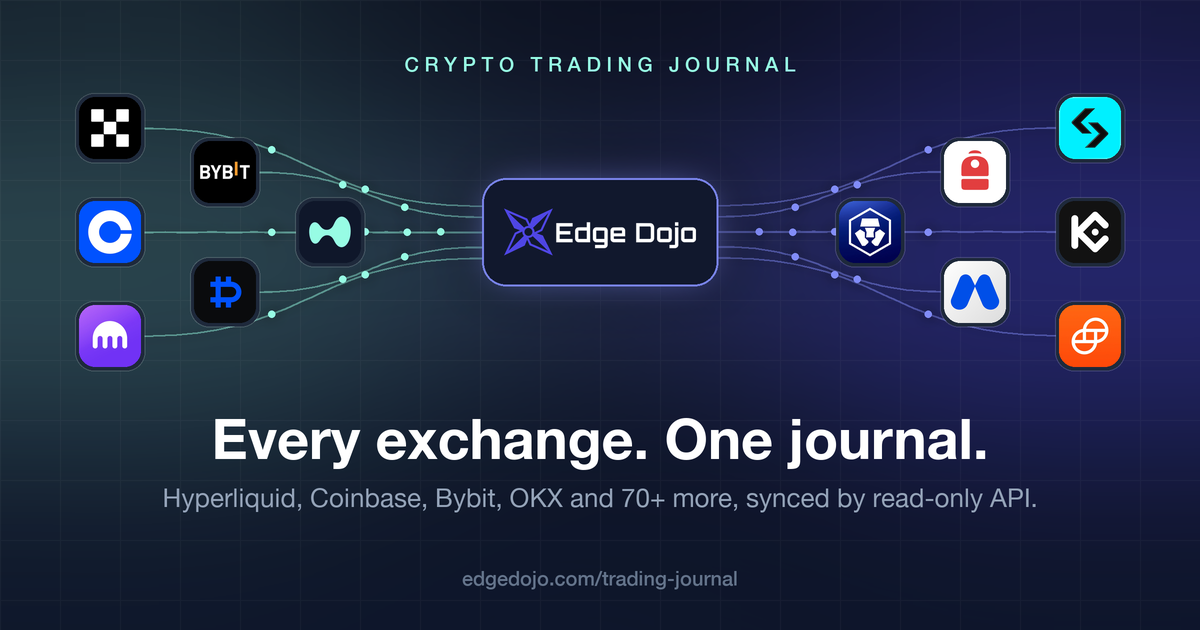
Most trading journals were built for stock traders and treat crypto as an afterthought: export a CSV, hope the columns line up, and do it again next week. Crypto traders do not work like that. You have spot on Coinbase, perps on Hyperliquid, a Bybit account for alts, and a position open at 3am. A crypto trading journal has to keep up with all of it without you typing a single fill.
EdgeDojo is built for that. It syncs Hyperliquid and more than 75 crypto exchanges through read-only API keys or a public wallet address, folds perp funding into your P&L, and puts every venue on one equity curve. This guide covers what a crypto journal needs to handle, what to record, what to look for in review, and how to get set up in a few minutes.
- Why crypto needs a different kind of journal
- What makes EdgeDojo the best crypto trading journal
- What to record on every crypto trade
- What to look for in review
- Size from your stop, not your leverage
- How to set up your crypto journal in five minutes
- Frequently asked questions
- Start your crypto trading journal
Why crypto needs a different kind of journal
The core of journaling is the same in every market: plan, execute, record, review. Crypto changes everything around that loop.
- You trade on more than one venue. A centralized exchange for spot, a DEX for perps, another exchange for the listing that only trades there. A journal that only reads one of them shows you a fraction of your results.
- The market never closes. There is no opening bell and no weekend. Your worst trades often happen at hours a stock trader never sees, and you can only find them if every fill carries an accurate timestamp in your own time zone.
- Perpetual futures dominate volume. Perps bring funding, leverage, and liquidation, and funding is a real cost of every hold. Our perpetual futures guide goes deep on this.
- Fills are fragmented. One position can be twenty partial fills across a few scaled orders. Logging that by hand is where most crypto journals die.
- Fees decide whether a strategy works. Taker fees, maker rebates, builder fees, and funding add up fast on short timeframes. Gross P&L lies.
What makes EdgeDojo the best crypto trading journal
Native Hyperliquid sync
Paste your wallet address, pick a date range, and your Hyperliquid fills arrive as paired trades with entry, exit, fees, and P&L. Funding payments are imported alongside the fills and folded into each trade's fees, so a swing that bled funding shows up honestly and a position that collected carry gets credit for it. Builder fees are included.
There is no API key, no wallet connection, and no signature. Your Hyperliquid history is public on-chain data, so the address is all EdgeDojo needs. Re-run the sync after a session and only new fills come in. Full details are on the Hyperliquid integration page.
75+ exchanges by read-only API
Beyond Hyperliquid, EdgeDojo connects to the exchanges crypto traders actually use, including Coinbase, Kraken, Bybit, OKX, Bitget, KuCoin, MEXC, Gate, Crypto.com, Deribit, Gemini, and Backpack. Spot, perpetuals, and dated futures all come through, depending on what the exchange offers.
You create a read-only key on the exchange, paste it into EdgeDojo, and click Sync. Each exchange has step-by-step connect instructions in the app. Coinbase covers both Advanced Trade fills and the simple buys, sells, and converts made in the Coinbase app, so nothing slips through.
On-chain perp venues are covered too: Apex, Extended, Pacifica, Nado, Hibachi, and WOOFi Pro. See the full list on the brokers and exchanges page.
Your keys stay read-only. Your private keys stay yours.
EdgeDojo never asks for a wallet private key or seed phrase, and never will. Exchange connections use keys you create with view-only permission, so EdgeDojo cannot trade, transfer, or withdraw. Wallet-based venues need only your public address. Credentials are encrypted at rest.
Every venue, one journal
All of your accounts feed one dashboard: one equity curve, one P&L calendar, one set of analytics. No more adding up five exchange statements to learn whether the month was green, and no more missing that your Coinbase spot and your Hyperliquid perps are quietly making the same bet.
And if you also trade stocks, options, futures, or forex, those live in the same account. EdgeDojo supports every asset class.
Any exchange file, imported
Trade somewhere without an API connection, or need history older than an exchange's API will return? Upload the exchange's trade export. Universal smart import reads it and turns the rows into finished trades, the same as a sync.
What to record on every crypto trade
Let the sync fill in the facts
- Symbol, side, and every entry and exit leg with price, size, and time.
- Every fee: exchange fees, builder fees, and on Hyperliquid, funding paid or received while the position was open.
- Net P&L after all of it.
Add what the exchange cannot know
- Stop and target, set before entry, so every result becomes an R-multiple. This is the one habit that makes everything else work.
- Setup, as a strategy with a checklist you tick on each trade.
- Tags for the context that matters to you: the listing pump, the funding fade, the liquidation-cascade scalp, the trade you took out of boredom at 2am.
- A screenshot of the chart at entry.
- A sentence on what you were thinking.
Once per session
- A short plan when you sit down: mood, conditions, catalysts, and what you expect to do.
- Two or three takeaways when you stop.
- An A to F grade for how well you followed your plan, independent of P&L.
What to look for in review
After thirty to fifty trades, open the analytics and ask:
Which setups pay, in R. Expectancy by strategy, not by dollars. A setup that makes money only because you sized it up once is not an edge.
When you trade well. Break results down by hour of entry and weekday in your own time zone. In a 24/7 market this is the single most common leak: profitable during your focused hours, giving it back late at night.
What the hold costs. Break results down by hold time. With Hyperliquid funding folded into fees, a multi-day perp hold shows its real cost, and some swings turn out to be paying a meaningful annualized rate to hold a view that spot would have given for free.
Which coins pay. Break results down by symbol. Most crypto traders have a short list of coins they read well and a long tail of tickers they chase. The tail is usually where the money goes.
Process vs. luck. Compare checklist-complete trades with the ones where you cut corners, and compare session grades with results. Leverage makes it easy to get paid on a bad entry.
Size from your stop, not your leverage
The exchange's leverage slider is not your risk. Your stop is. A 20x position with a 0.4% stop risks the same dollars as a 2x position with a 4% stop.
- Decide the dollars you are willing to lose if stopped out. Usually one or two percent of the account.
- Measure the distance from entry to stop.
- Divide the dollars by that distance. That is your size.
The free position size calculator does the math for you, and the risk:reward calculator tells you whether a target is worth the stop before you take the trade.
How to set up your crypto journal in five minutes
- Create a free account.
- Open the import panel in your journal and pick your exchange.
- For Hyperliquid, paste your wallet address. For an exchange, create a read-only API key following the in-app steps and paste it in.
- Click Sync. Your trades arrive with P&L and fees already calculated.
- Add stops, targets, and setups to your recent trades, then follow how to use EdgeDojo to build the rest of the habit.
After each session, click Sync again. Trades already in your journal are never duplicated.
Frequently asked questions
What is the best trading journal for crypto? The one that imports every venue you trade without manual work, gets fees and funding right, and makes review easy. EdgeDojo syncs Hyperliquid and more than 75 crypto exchanges by read-only API, folds Hyperliquid funding into P&L, and is free during the open beta.
Is it safe to connect my exchange? Yes. You create the API key with view-only permission, so EdgeDojo can read your trade history but cannot place orders, transfer, or withdraw. Credentials are encrypted at rest. For wallet-based venues like Hyperliquid, EdgeDojo needs only your public address, never a private key or seed phrase.
Does it work with Binance? Binance does not have an API sync yet. Upload your Binance trade history export and universal smart import turns it into trades. See the Binance trading journal page for the steps.
Can I journal spot and perps together? Yes. Keep them in one account, sync both, and review them side by side. Spot holdings often hedge, or quietly double, your perps bias, and you only see that when both are in the same place.
How far back does the sync go? It depends on the exchange. Some APIs return years of history, others only the last month or few months. For anything older than an exchange's API allows, upload its trade export once and let the sync handle everything after that.
Is there a mobile app? Not a native one. EdgeDojo runs in the browser on any device, and the focus is on doing the core of journaling well rather than adding features you will not use.
Start your crypto trading journal
Most trading journals run $150 to $500 or more a year once you need the features that matter. EdgeDojo is free during the open beta, no card required, and accounts created during the beta keep free access when paid plans launch. Connect Hyperliquid or your exchange and your dashboard is a few minutes away. Join the free beta.
More trading journal
Trading journal
Perpetual Futures Trading Journal
A trading journal at its core tracks a few things: entries, exits, fees and P&L. Perpetual Futures are a newer financial instrument with several unique characteristics and properties: funding rates, leverage, etc. This guide covers what to record, how to size perp trades correctly, and how to import your perp trades seamlessly with our native Hyperliquid integration.
· 5 min read
Trading journal
How to Use the EdgeDojo Trading Journal
EdgeDojo is best-in-class trading journal software that gets your trades in fast, asks for the few details that change how you trade, and shows you the patterns. No bloated workflow. No features you do not need. This guide shows the setup and what is worth measuring. If you are new to journaling, start with [what a trading journal is and why it works](/trading-journal/what-is-a-trading-journal).
· 13 min read
Trading journal
What is a Trading Journal?
A trading journal is a record of every trade you take, along with the context around it: why you entered, where your stop and target were, how the trade behaved while it was open, and what you were thinking and feeling at the time. A journal shows you the data, and is a crucial tool for any serious trader who is trying to improve.
· 10 min read